YouTube subscriber counter for your iPhone
CountDeck is an app for iPhone and Android that tracks your YouTube subscriber count, and puts it in widgets on your Home Screen, Lock Screen, StandBy and Mac, and live on Apple Watch. Free for one channel.
Look up any YouTube count
What CountDeck shows for YouTube
- Subscribers Free
- Total views Pro
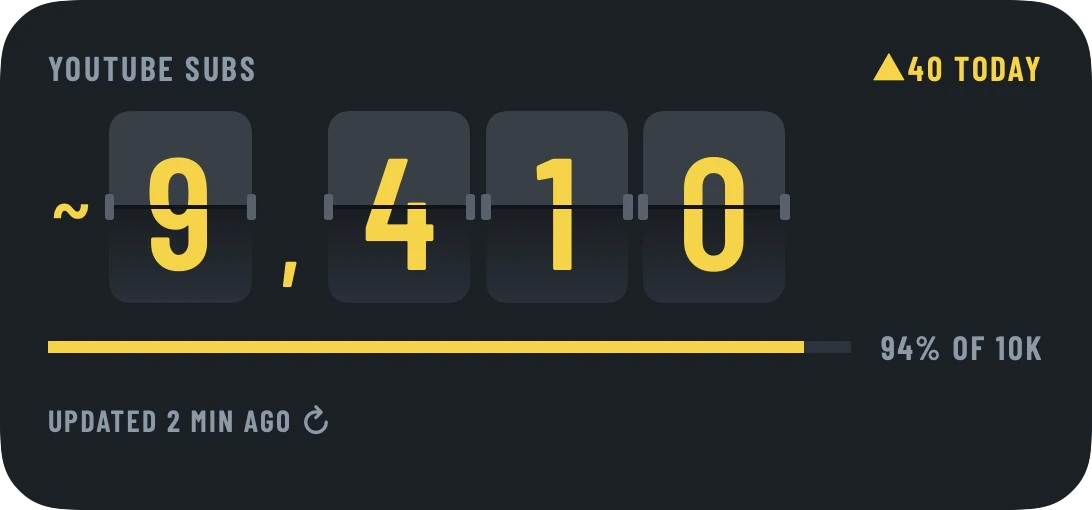
Today, this week and this month, with goals and the date of your next milestone.
Read-only, always
- No login and no password: just your @handle. It never posts, likes or comments, and never sees private or unlisted videos.
- No ad or tracking SDKs. Servers in the EU.
How YouTube counts
YouTube makes subscriber counts public in rounded form: above 1,000 a channel shows three significant figures, so 12,345 subscribers appear as 12.3K. CountDeck shows exactly what YouTube publishes and marks it with "~". That is why the number moves in steps rather than with every new subscriber, and why it can sit still for a few days.
Also counts
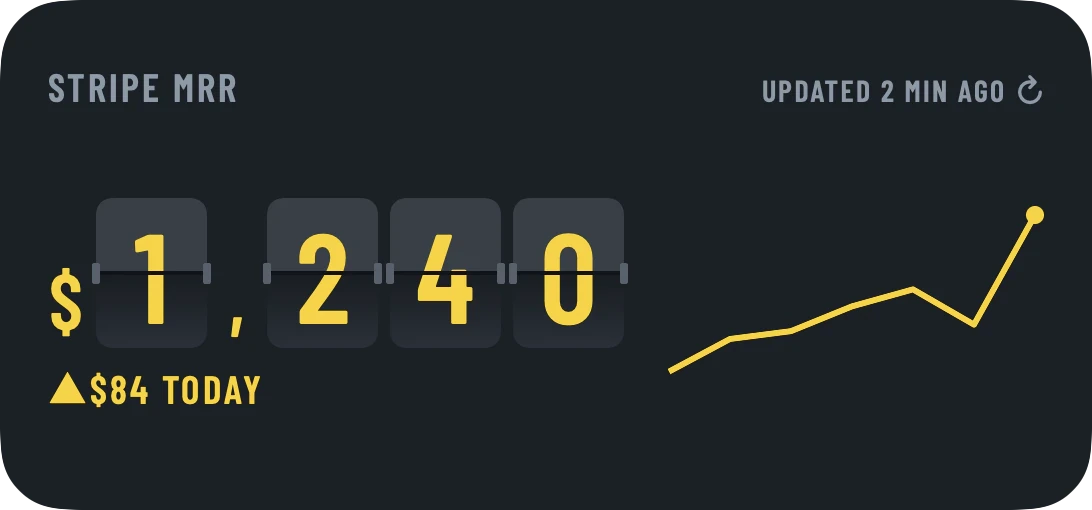
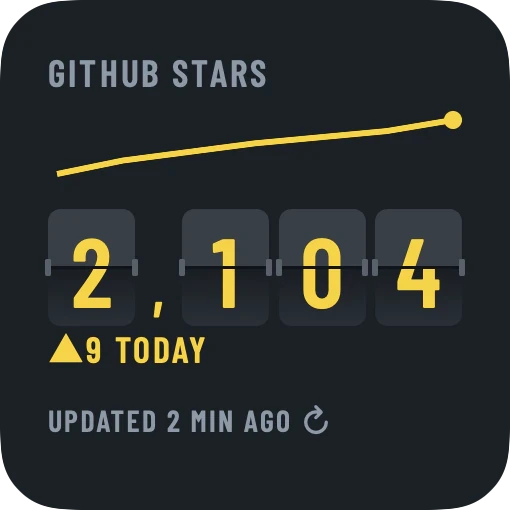
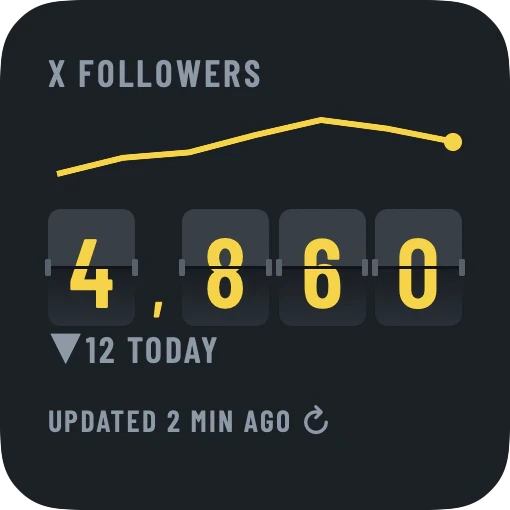
Put YouTube next to your other platforms and your revenue, all in one widget, on your iPhone or Android phone, and from iPhone on your Mac desktop and Apple Watch.
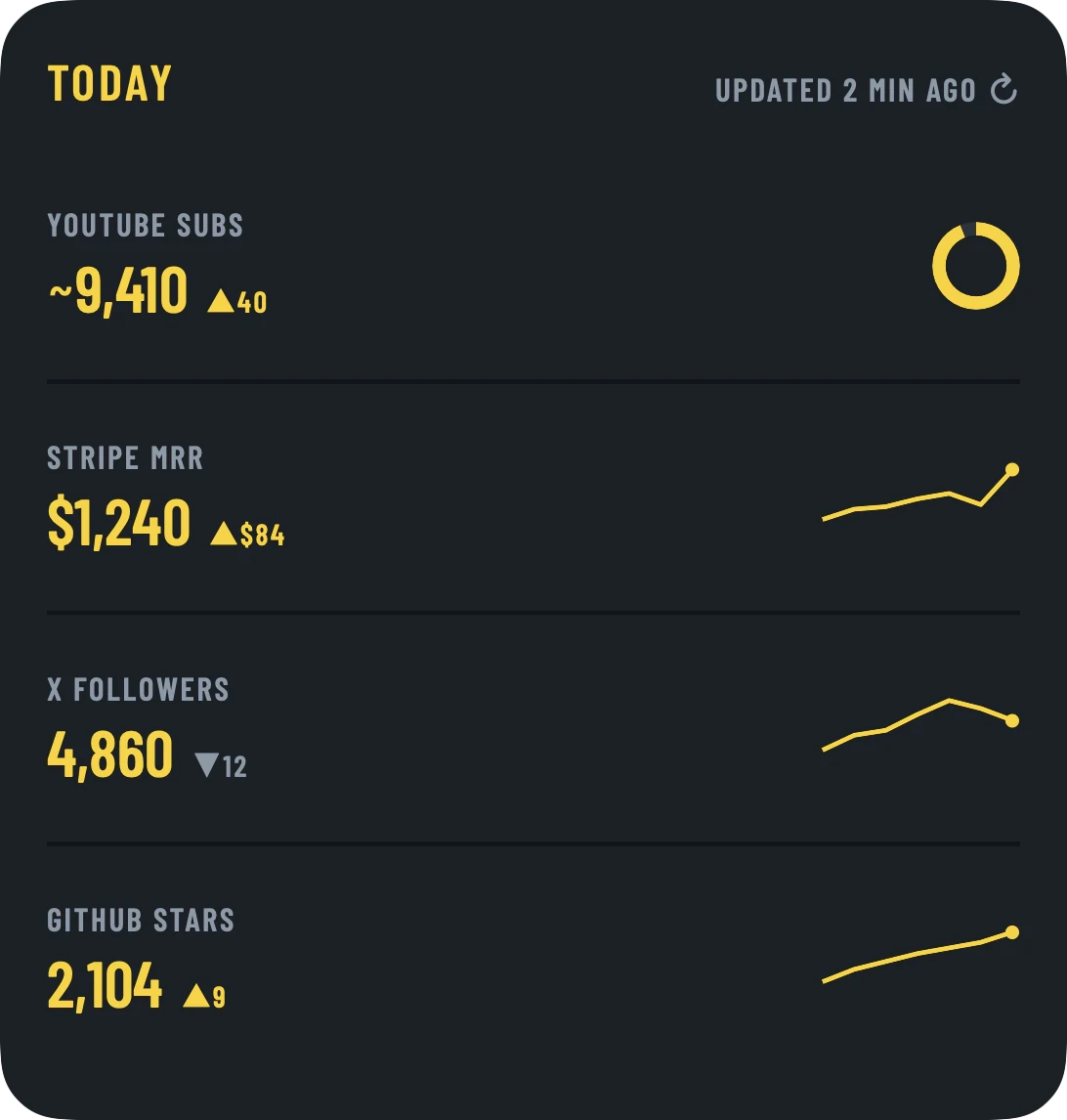
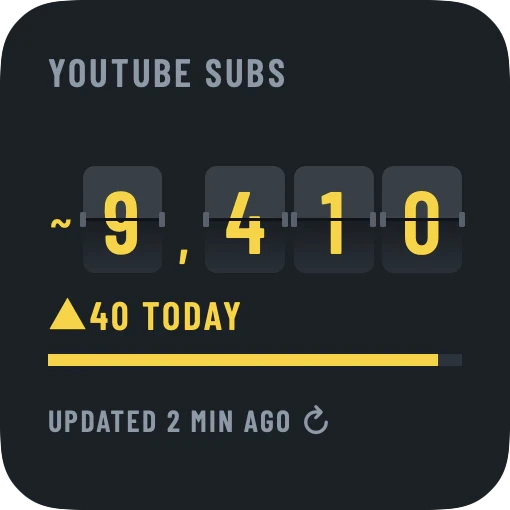
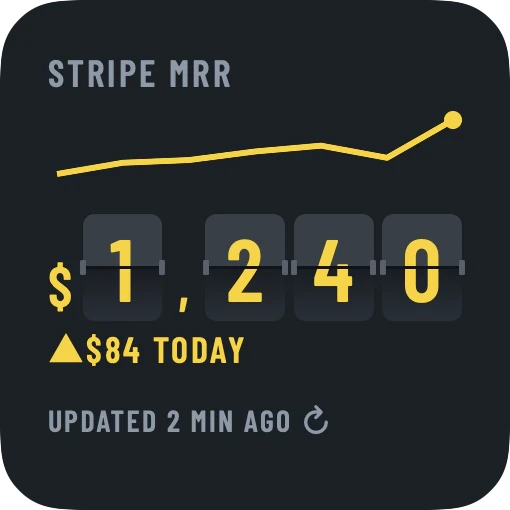
- Home Screen
- Lock Screen
- Mac desktop
- StandByPro
- Apple WatchPro
- Any browser, Desk modePro
Works with
Free for one source and 9 styles. Pro unlocks all 24 styles and unlimited sources.
See pricingQuestions
How do I put my YouTube subscriber count on my iPhone Home Screen?
Install CountDeck, tap Add a source, choose YouTube and type your @handle or paste your channel link. Then long-press your Home Screen, tap +, pick CountDeck and choose your channel. It takes about a minute and needs no login.
Why does my subscriber count show a "~"?
YouTube only publishes rounded subscriber counts (three significant figures above 1,000), so CountDeck marks them as estimates. Your exact number is only visible to you in YouTube Studio.
How often does the widget update?
Your phone refreshes widgets through the day, about every 30 minutes when it allows. Tap the time on a widget for a new number. The count itself changes when YouTube updates its rounded figure.
Can it tell me when I will reach my next milestone?
Yes. CountDeck shows the subscribers you gained today, this week and this month, and the date you will reach your next round number at your current pace. To check how close you are to monetization, the free YouTube monetization checker on this site gives the date any channel reaches 1,000.
Does it work on the Lock Screen and in StandBy?
Home Screen and Lock Screen widgets are free. StandBy, large widgets and live mode come with Pro.
Can I track more than one channel?
Yes, with Pro: add as many channels as you like and mix them with X, GitHub, Stripe and other sources in one widget. Free for 1 source. Pro is $3.99/month, $29.99/year or $89.99 once.