GitHub stars widget, badge and star history
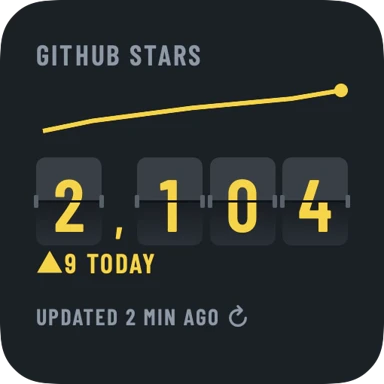
CountDeck is an app for iPhone and Android that shows your GitHub stars on your Home Screen (and Lock Screen and StandBy on iPhone), and this site gives every public repo a free star history page, a live README badge and a predicted date for its next milestone.
Look up any repo's stars
Live stars badge for your README
Your stars on your phone
- Get CountDeck and tap Add a source.
- Choose GitHub and type owner/repo or paste the repo link. No login.
- Add the widget from your Home Screen widget gallery, and set a star goal.
More for GitHub
Questions
How do I add a GitHub stars badge to my README?
Type your repo in the badge builder below and copy the Markdown into your README. The badge is a live SVG that links to your star history page.
How do I see the star history of a GitHub repo?
Open countdeck.app/github/owner/repo, or type the repo in the lookup at the top of this page. Every public repo works.
Can I see my GitHub stars on my iPhone?
Yes. Add your repo in CountDeck (no login) and add the widget to your Home Screen. Free for one source; Pro is $3.99/month, $29.99/year or $89.99 once.
When will my repo hit 1,000 stars?
Open its star history page (type the repo in the lookup at the top of this page): it shows the predicted date of its next milestone, from its real star history.
Does it read private repos?
No. Only public star counts are read, and nothing is ever written to GitHub.